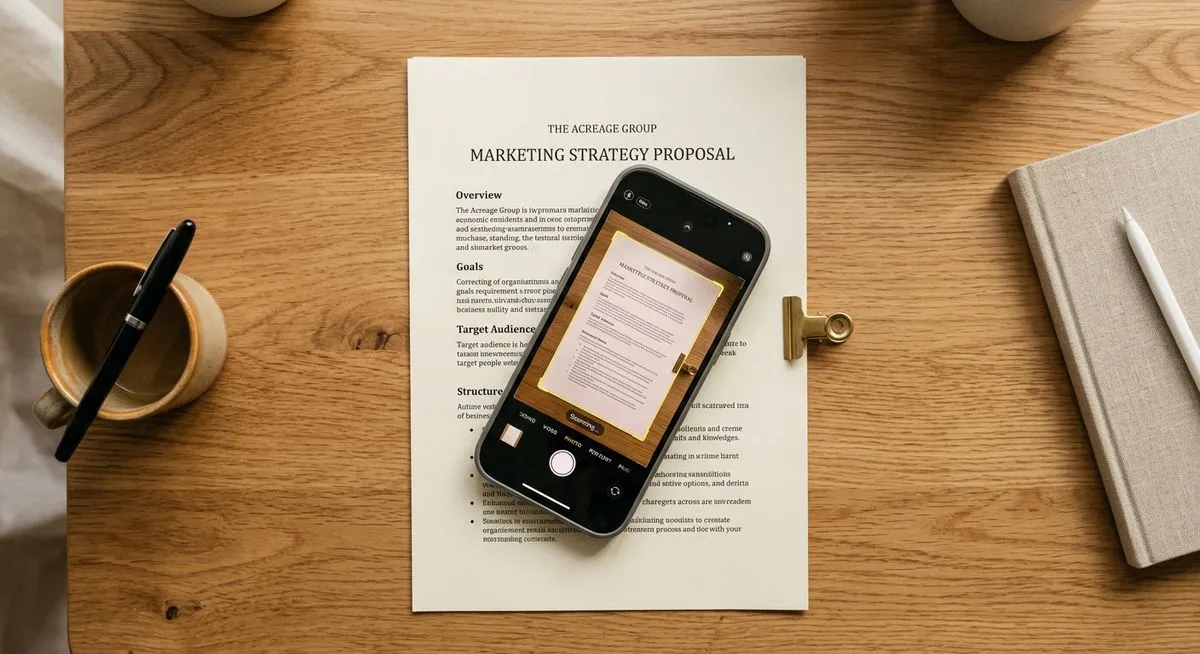
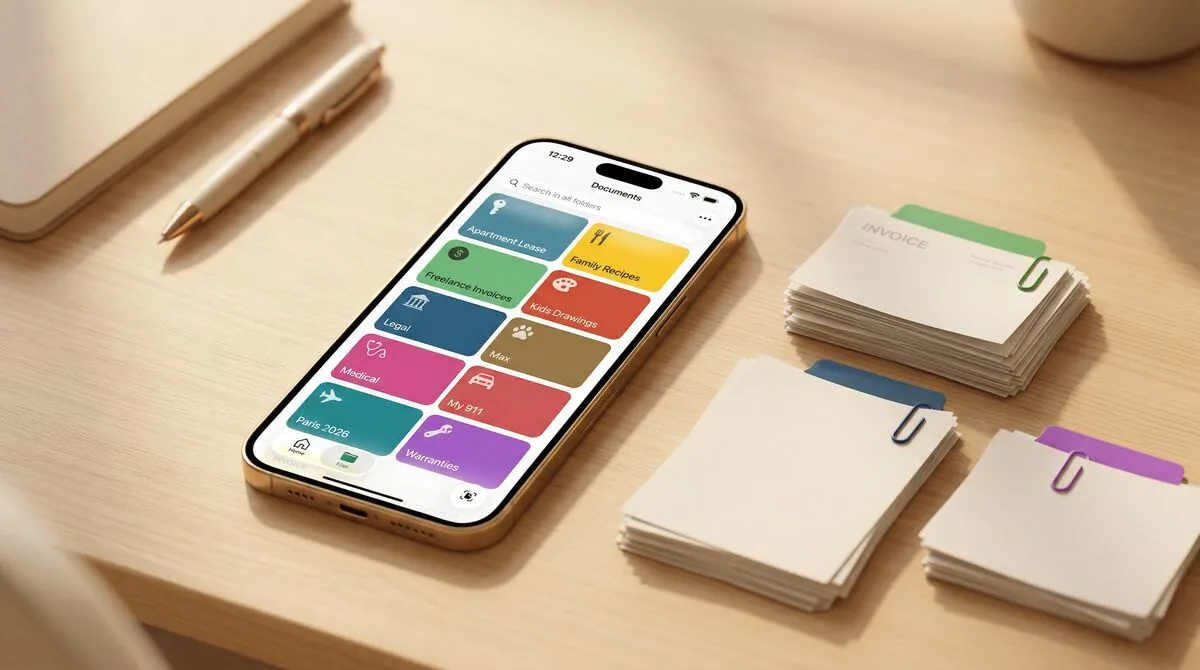
Your iPhone has had a document scanner for years. It just doesn't have an icon. Here's where it hides, how to use it, and the one thing it still doesn't do.
Scanned a document today and already can't find it? Where today's scans show up in Files, Notes, Mail, and Photos — and how to make 'recent' the only place you ever look.
Keep them all. Your oldest results are your baseline, and once they're scanned, keeping them costs nothing. The calm case for never throwing one away.
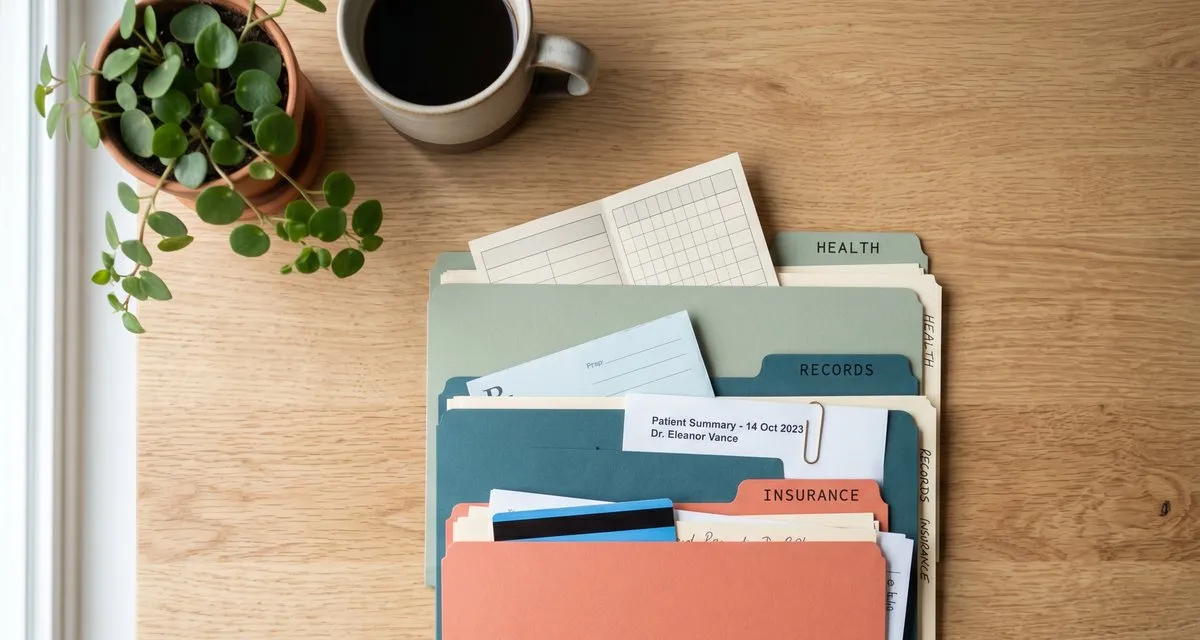
I want my 80th birthday on my feet, still traveling, still enjoying life. That, not a crisis, is why I'm building a calm, private home for health records.
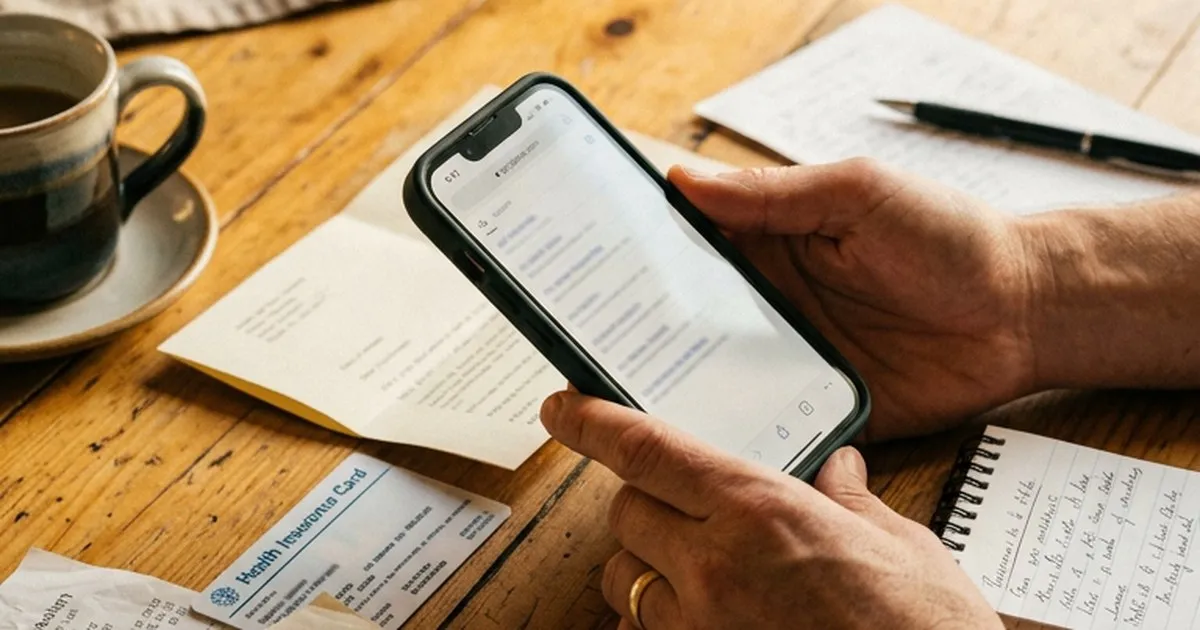
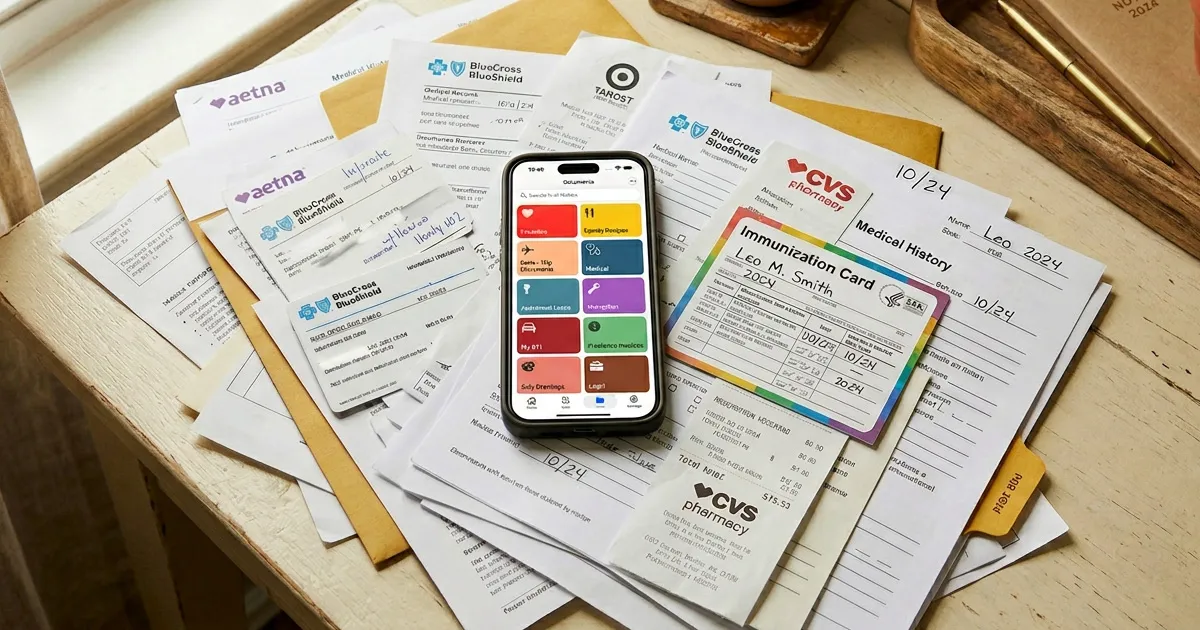
Vaccination cards, lab results, insurance forms — medical records pile up across drawers and apps. Here's a calm way to keep them organized, private, and findable on iPhone.
You scanned the document — now where is it? A tour of every place an iPhone scan can end up, and the real reason scans are so hard to find later.
Most apps ask for your email before you can do anything. Pockli doesn't — and never will. Here's the decision behind it, and what it means for your documents.
Three ways to scan documents on iPhone: the Notes app, the Files app, and a dedicated scanner. Plus how to make sure your scans don't disappear into a messy folder.
A document and PDF scanner is only as good as the team behind it. Here's what we're building next — and why we're in this for the long run.
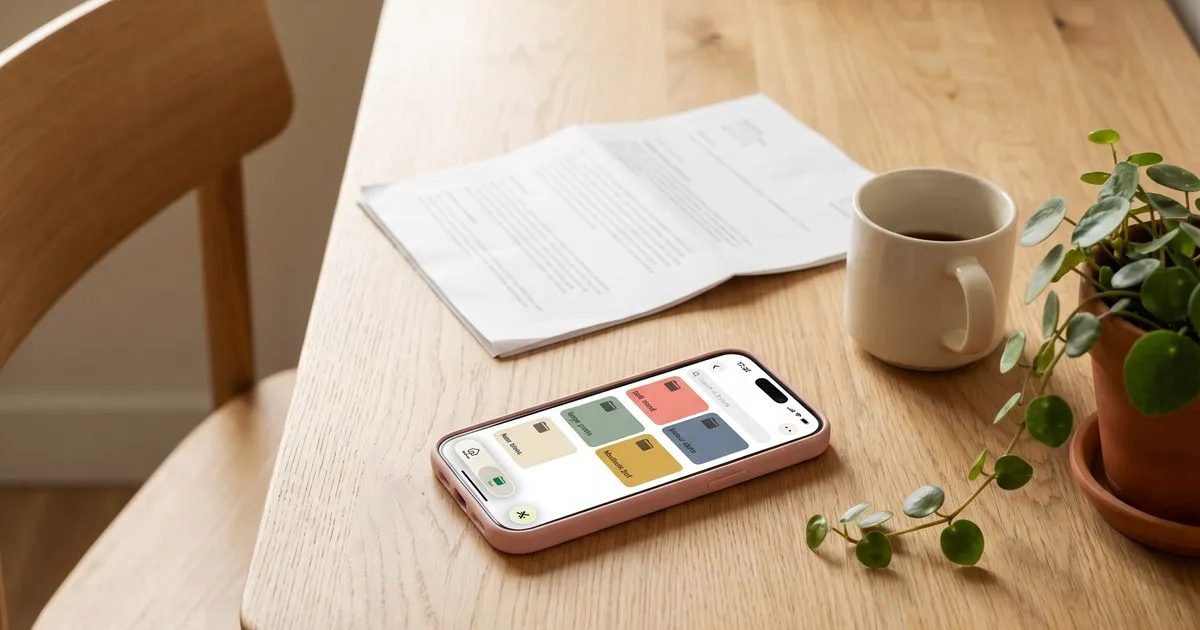
Most scanner apps make scanning easy and organizing impossible. Here's how to keep your scanned documents named, sorted, and findable on iPhone.
I kept losing documents I knew I'd scanned. So I built Pockli — a document and PDF scanner that actually remembers where things go.