
Why I Built an App for a Problem Most People Don't Think They Have
Oana · February 26, 2026 · 4 min read
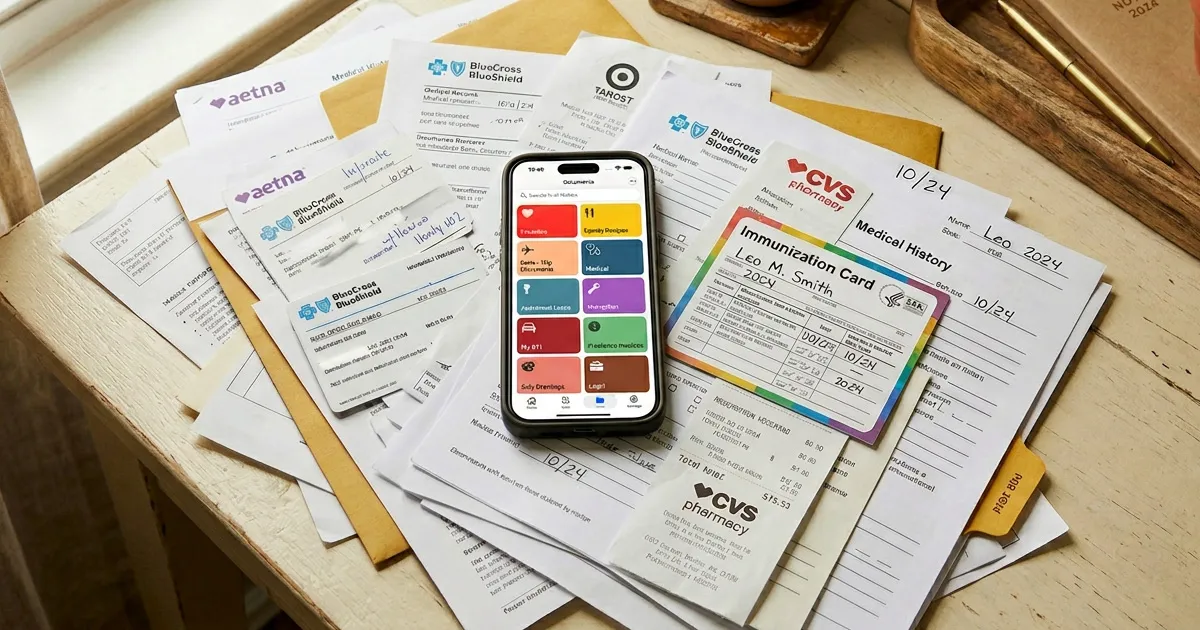
Last year, I spent 40 minutes looking for a scan of my car insurance. I knew I’d scanned it. I remembered scanning it. But where was it?
Not in my camera roll — buried somewhere between 14,000 photos. Not in my old scanner app — that had hundreds of unnamed files like IMG_2847.pdf. Not in my email — I’d scanned it myself, so there was no email trail.
I found it eventually. It was in a folder called “Documents” alongside 300 other files with equally unhelpful names.
The thing is, this wasn’t a one-off. If you’re anything like me, people hand you documents all the time — and they all expect you to produce them months or years later. Your kid’s vaccination records at the pediatrician. Insurance cards at the mechanic. The home inspection report when you refinance. Furnace service records when the warranty claim comes in. Tax documents every spring.
These aren’t files you create. They’re papers someone puts in your hand, and suddenly it’s your job to keep them safe and findable — forever.
That evening, after the insurance incident, I started sketching what would become Pockli.
The problem isn’t scanning. It’s everything after.
Your phone already has a decent scanner built in. So do a dozen apps on the App Store.
But here’s what none of them solve: what happens to that scan five minutes later? Five months later?
You scan your lease, and it becomes Scan_March_2026.pdf. You scan a receipt, and it joins a pile of identically-named files. You scan your kid’s vaccination card, and it disappears into the same folder as your grocery list.
And here’s what I realized: the reason I never scanned documents the moment I received them wasn’t laziness. It was because scanning felt pointless — I knew the file would end up unnamed in a messy folder anyway. Why bother?
That changed when I built folders with rules. In Pockli, a folder can automatically name, number, and organize every scan that lands in it. So now, when someone hands me a document, I actually want to scan it right away — because I know it’ll be named correctly and filed in the right place before I even put my phone down.
What if scanning a document was the last time you had to think about it?
That’s the idea behind Pockli. You scan a document once, and a searchable PDF is created instantly — named, filed into the right folder, with every word in it searchable.
No dragging files around. No renaming. No folder management.
You create a “Car” folder with a naming rule, and from that point on, every document you scan into it — insurance, registration, service receipts — gets named consistently, compressed the same way, and filed together. Six months from now at the mechanic’s, you open the folder and everything’s right there, neatly organized.
Private by design. Fast by obsession.
Everything stays on your iPhone and your iCloud — no accounts, no one looking over your shoulder. And the whole workflow takes about three seconds: open a folder, point your camera, tap. The folder’s rules handle the rest — your document is named, sorted, and searchable before you put your phone down.
Where we’re going
Pockli is just getting started. We’re working on something we’re really excited about — the ability to ask Pockli questions about your documents. Imagine asking “When does my car insurance expire?” or “What was the deductible on my home policy?” or “Which vaccinations are my kids due for next?” and getting an answer instantly, pulled from the documents you’ve already scanned.
No uploading to the cloud. No third-party AI reading your files. Everything runs locally on your device, using on-device Apple AI. Your documents stay yours — and they become a lot more useful.
If you have ideas about what Pockli should do next, I’d love to hear them. This app exists because of a problem I had, but it’s becoming something much bigger than that.
Download Pockli from the App Store and scan your first document. It takes about three seconds — and you’ll never lose that scan again.
Try Pockli Scan
Your documents deserve a better home.
